

Finder vs Sortly: The Best Home Inventory App in 2026

If you’ve searched for a home inventory app, you’ve probably landed on Sortly. It’s the most well-known name in the space. But Sortly was built for businesses — and it’s priced that way too.

Most people tracking their home belongings end up with one of three options: Finder, Sortly, or a spreadsheet. Here’s an honest look at how they compare — features, pricing, and who each one is actually built for.

Quick Comparison

FinderSortlySpreadsheet
Built forHouseholdsBusinessesAnyone (DIY)
Free plan✅ Unlimited items✅ 100 items only✅ Unlimited
Paid pricing$4.99/mo$24/mo minimumFree
Photo captureManual only
Instant search❌ Manual scroll
Borrowed item tracking
Reminders
Family/household sharing✅ Team plan✅ (expensive)✅ Google Sheets
Barcode scanningComing soon
iOS appVia browser

Finder

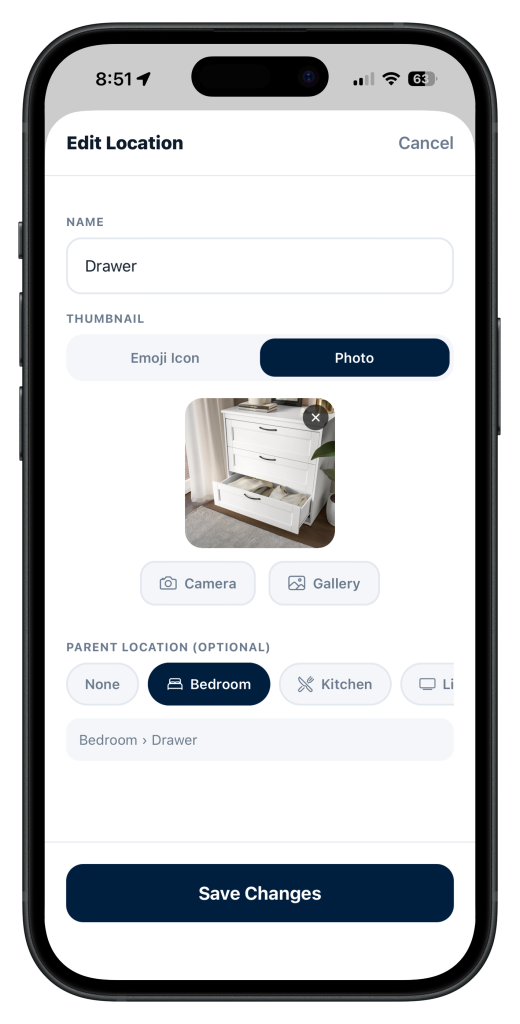
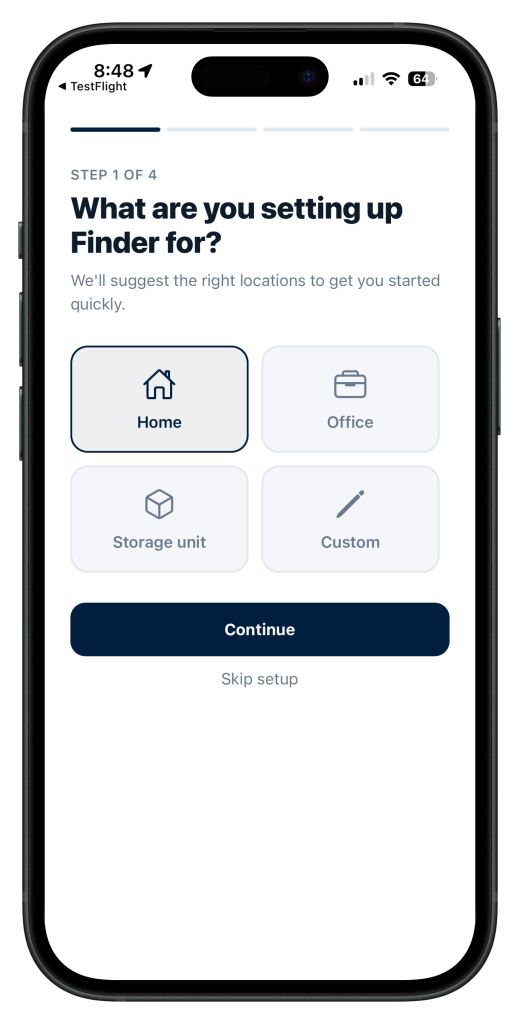
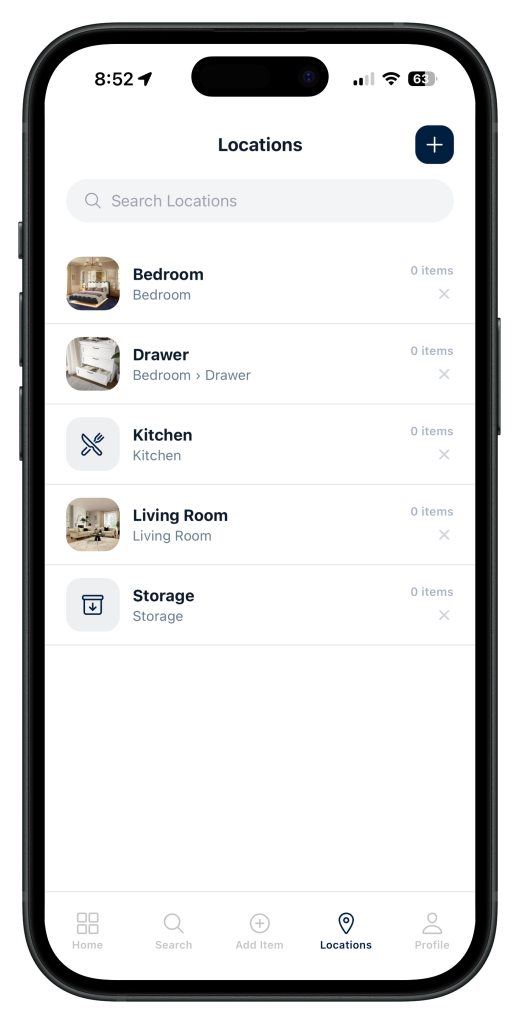
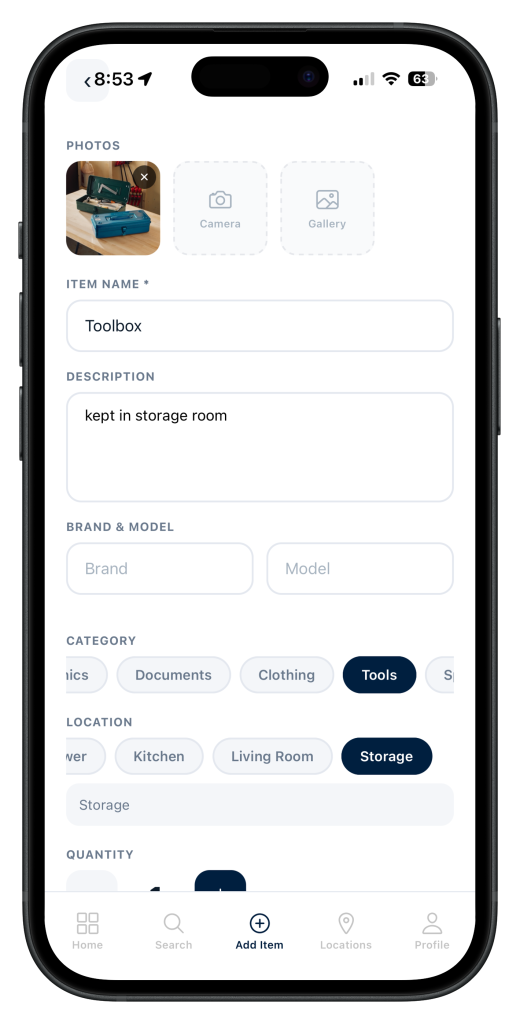
Finder is a home inventory app built specifically for households. You photograph each item, assign it a location (Garage → Left Shelf, Bedroom → Under Bed), add a category and tags, and it’s in your inventory. When you can’t find something, you search for it and get told exactly where it is.

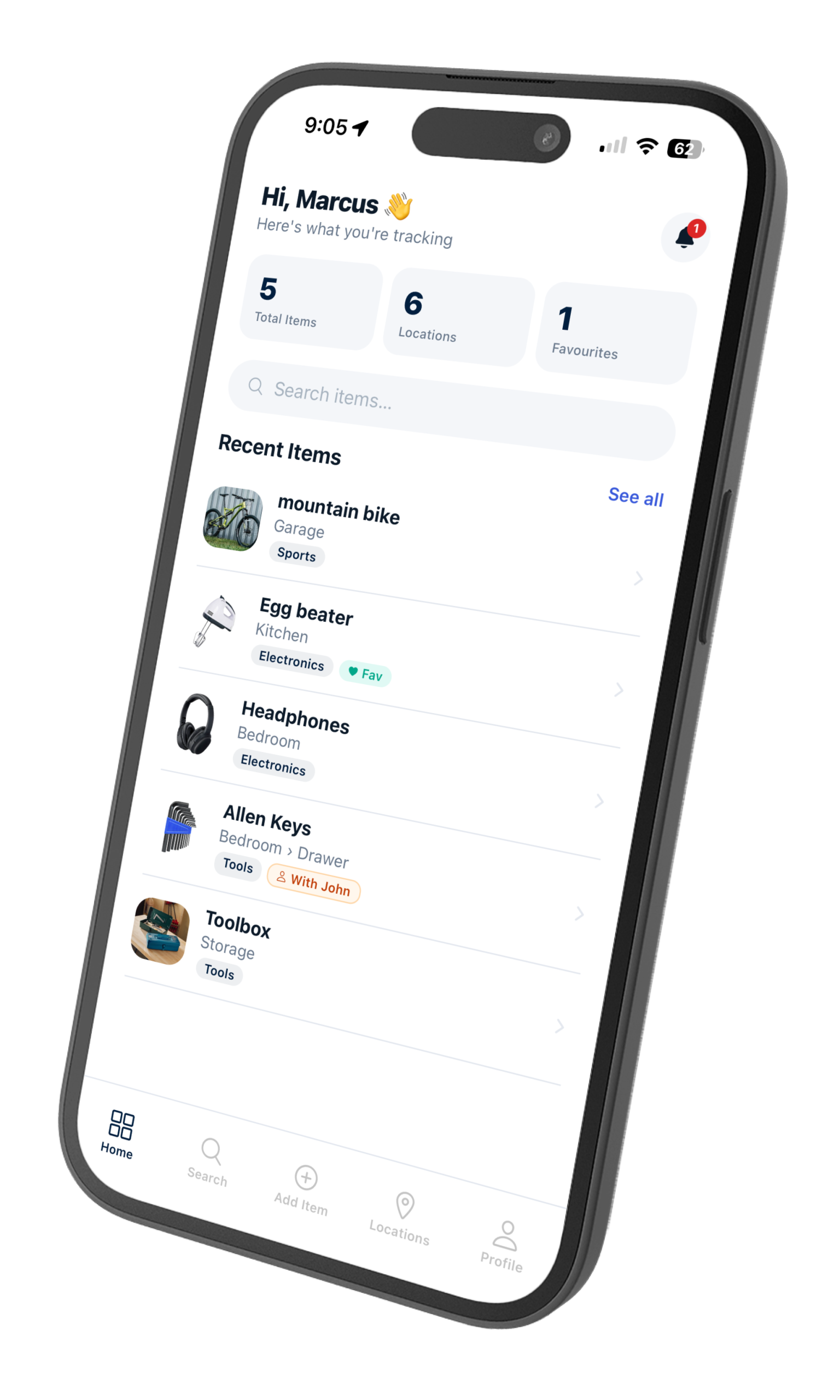
Finder app home screen showing inventory items by location
Finder organises everything by location so you always know where to look

Two features stand out that neither Sortly nor a spreadsheet offers: borrowed item tracking and reminders.

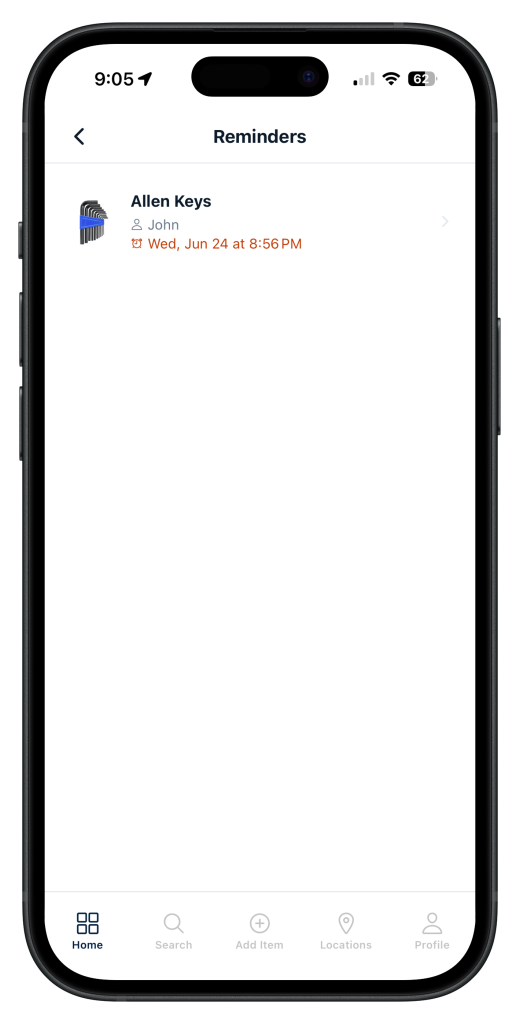
If you lend something to a friend or family member, you can mark it as “With [name]” in Finder. It shows up in your inventory with that label — no more forgetting who has your drill or your spare keys. Reminders let you set alerts on items so you don’t forget to return something, restock it, or check on a seasonal item before you need it.

Finder app showing borrowed item tracking with reminder notification
Mark items as “With John” and get a reminder when it’s time to get them back
Finder app sharing screen showing household members with view and edit permissions
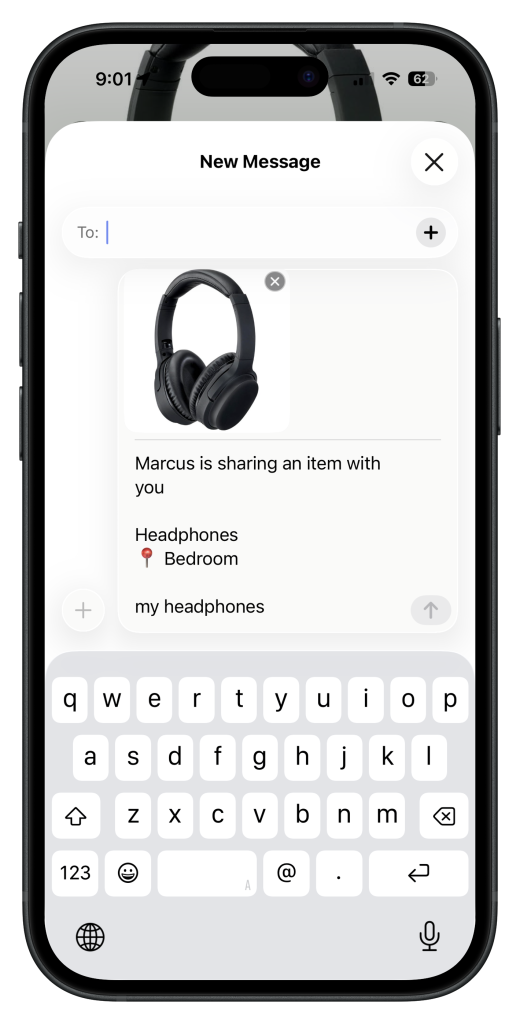
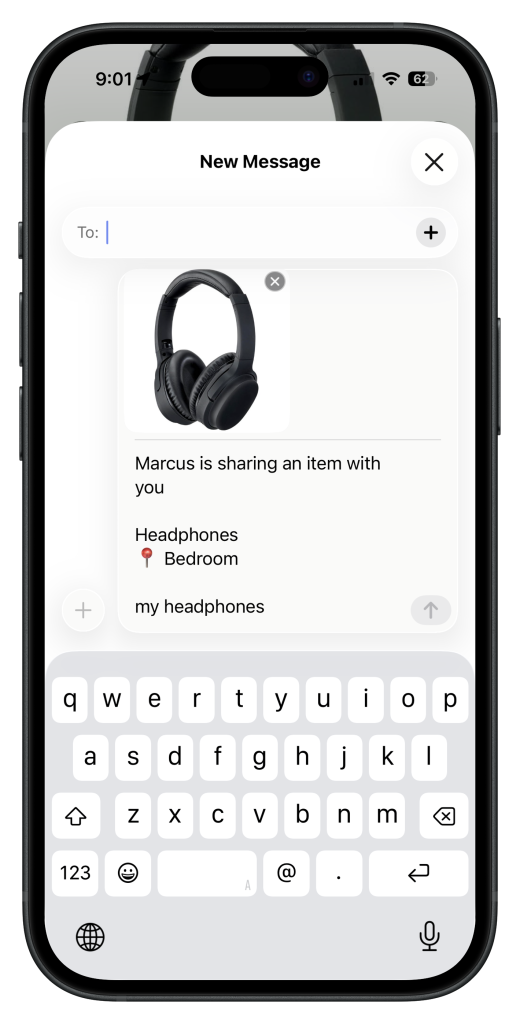
Invite family or housemates to your inventory — everyone sees the same items and locations

Pricing: Free Starter plan with unlimited items. Personal Pro is $4.99/month (or $39.99/year). Team plan for households is $12.99/seat/month.

Best for: Households who want to know where their stuff is, track borrowed items, and share an inventory with family or housemates.

Sortly

Sortly started as a business inventory tool — and that’s still what it’s best at. It’s used by small businesses to track equipment, supplies, and stock. The interface reflects this: it’s built around “items,” “locations,” and “jobs,” with features like QR code label printing, purchase orders, and QuickBooks integration.

Sortly does have a free plan, but it caps you at 100 items. For context, a typical household has hundreds of items worth cataloguing just in storage and seasonal gear alone. You’ll hit the limit quickly.

The paid tier starts at $24/month for 500 items. That’s nearly five times the price of Finder’s Pro plan for roughly the same use case. If you’re running a business, that’s reasonable. If you just want to find your power drill, it isn’t.

Sortly also doesn’t have borrowed item tracking or reminders — features that matter a lot more in a household than in a warehouse.

Pricing: Free (100 items), Advanced $24/mo (500 items), Ultra $74/mo (2,000 items).

Best for: Small businesses tracking equipment, supplies, or stock. Not ideal for home use at that price.

A Spreadsheet (Google Sheets or Excel)

Plenty of people track their home inventory in a spreadsheet. It’s free, flexible, and you already know how to use it. For a simple list of items, it works.

The problems show up in practice. Spreadsheets aren’t designed for photos, so your inventory has no visual reference. They’re hard to search quickly on a phone — you end up scrolling through rows when you’re standing in the garage trying to remember if the camping gear is in storage box 2 or 3. And they have no concept of borrowed items, locations, or reminders.

The bigger problem: spreadsheets require discipline to maintain. If you have to open a browser, find the file, and type in a new row every time you put something away, you won’t. Most home inventory spreadsheets are abandoned within a month.

Best for: A one-time list for insurance documentation, or people who are genuinely disciplined about manual data entry.

Which Should You Use?

The right choice depends on what you’re actually trying to do:

  • You want to know where your stuff is and find things fast → Finder. It’s designed for exactly this, and the free plan covers most households.
  • You lend things out and want to track who has what → Finder. It’s the only option here with borrowed item tracking built in.
  • You’re running a small business or tracking work equipment → Sortly. The business features justify the price.
  • You just need a one-time insurance inventory list → A spreadsheet works fine for a static document.
  • You want to share an inventory with your whole household → Finder Team plan. Sortly offers team features too, but at a much higher price point.
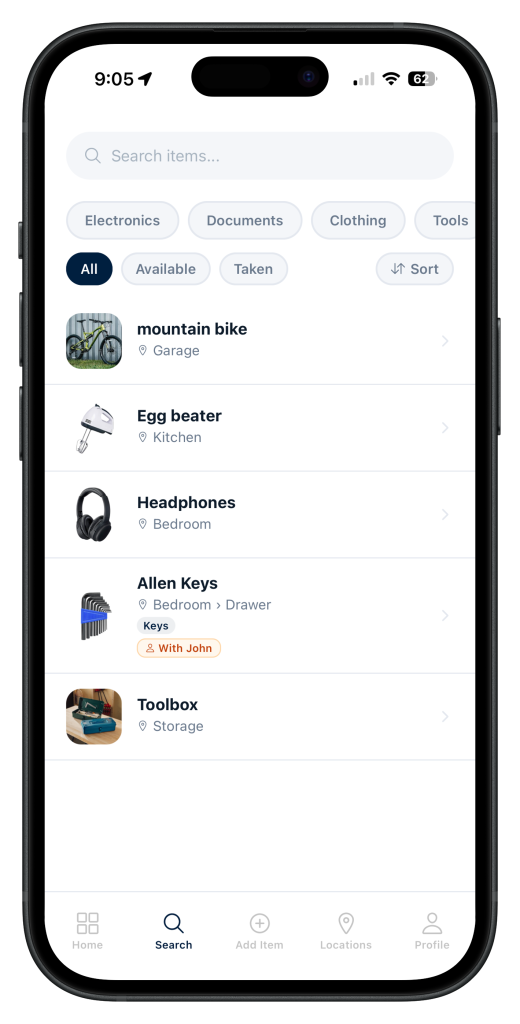
Finder app search screen with category and status filters
Search by name, filter by category or location — find anything in your home instantly

If you’re a household rather than a business, Finder is the straightforward choice — it’s built for exactly that use case, costs significantly less, and includes features like reminders and borrowed item tracking that no other app in this category offers.

Download Finder free on the App Store and have your home inventory running in an afternoon.

Leave a Comment

Your email address will not be published. Required fields are marked *

Scroll to Top