

How to Catalogue Everything You Own (Without Losing Your Mind)

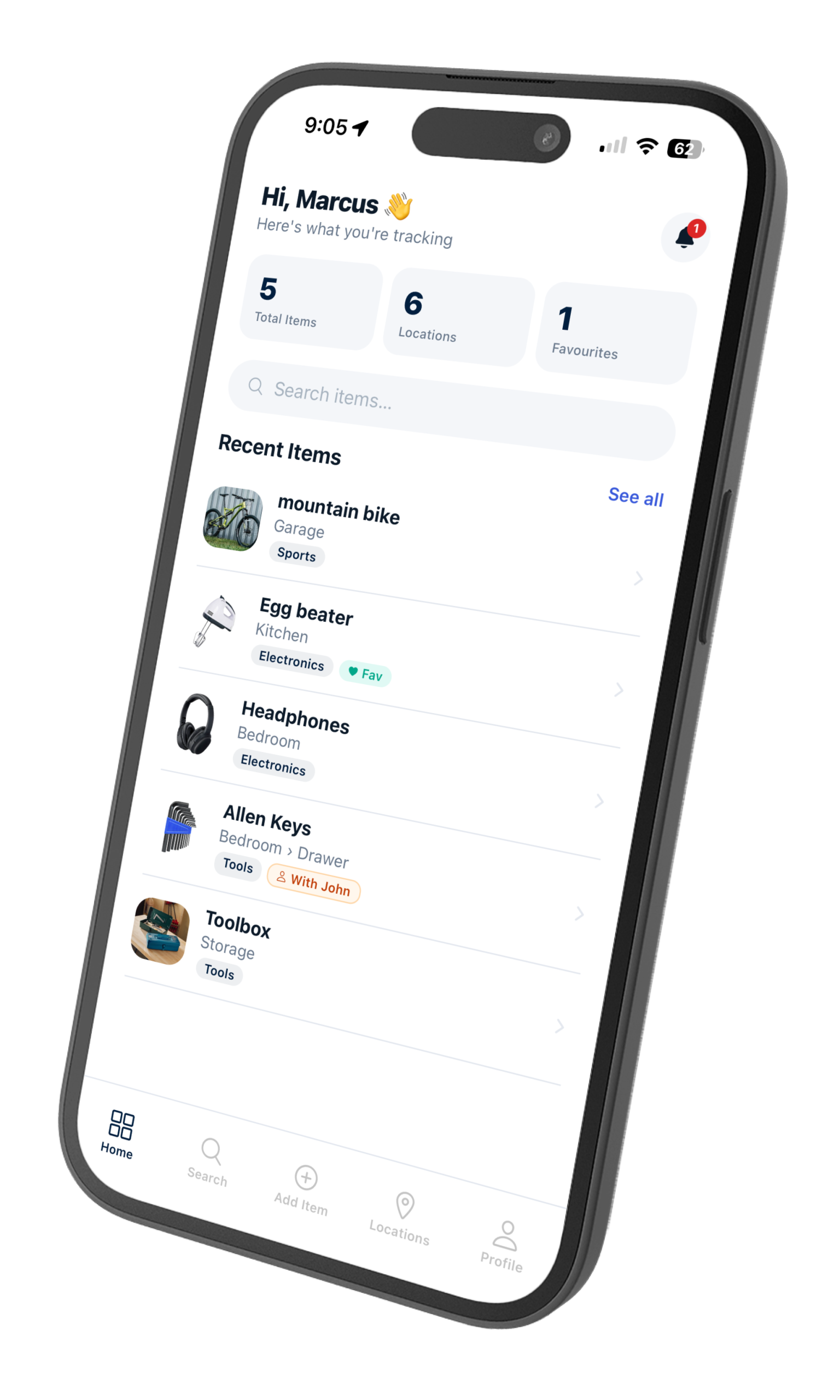
Finder app home screen

Most people don’t catalogue their belongings until something goes wrong — a move, a break-in, an insurance claim, or just the third time this week they’ve pulled apart a drawer looking for one thing.

The good news: cataloguing what you own doesn’t have to be a weekend project. With the right approach, you can have a working home inventory in an afternoon and actually maintain it going forward.

Finder app home screen showing organised inventory
Finder shows everything you own, organised by room and category

Why Most People Give Up on Home Inventories

The traditional approach — a spreadsheet, a notebook, or a folder of receipts — fails for one reason: it’s too much friction. You have to remember to update it, find the file, open it, and type something in. Nobody does that when they’re putting away groceries.

The inventory also needs to be searchable. A 200-row spreadsheet isn’t searchable in any practical sense. You end up scrolling through it manually, which defeats the point.

Start With the Rooms That Actually Cause Problems

Don’t try to log every item in your home on day one. Start with the rooms or areas where things most often go missing:

  • Storage areas — garage, attic, under-stairs cupboard
  • Shared spaces — things lent to family or housemates
  • Seasonal items — holiday decorations, camping gear, sports equipment

These are the things you’ll actually search for. Getting them into an inventory first gives you immediate value.

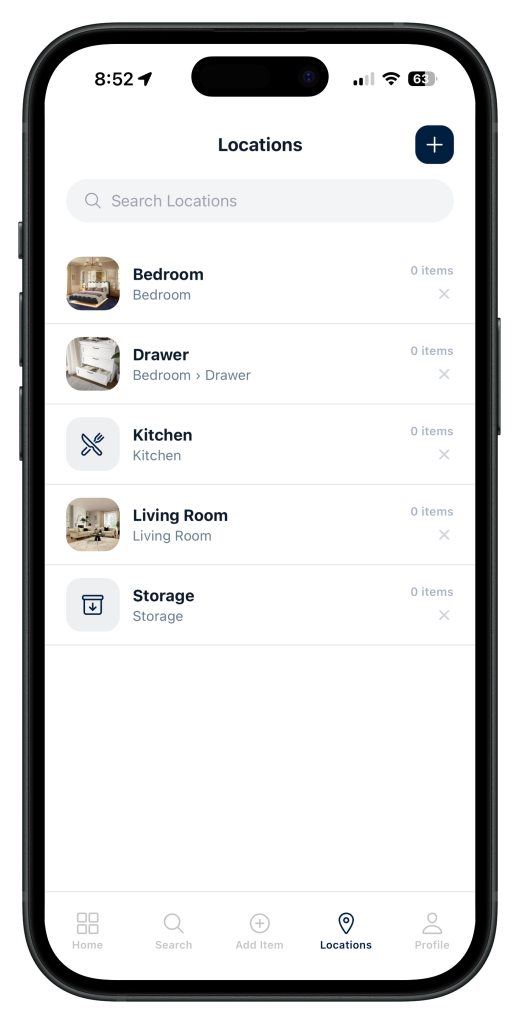
Finder app locations screen showing rooms and storage areas
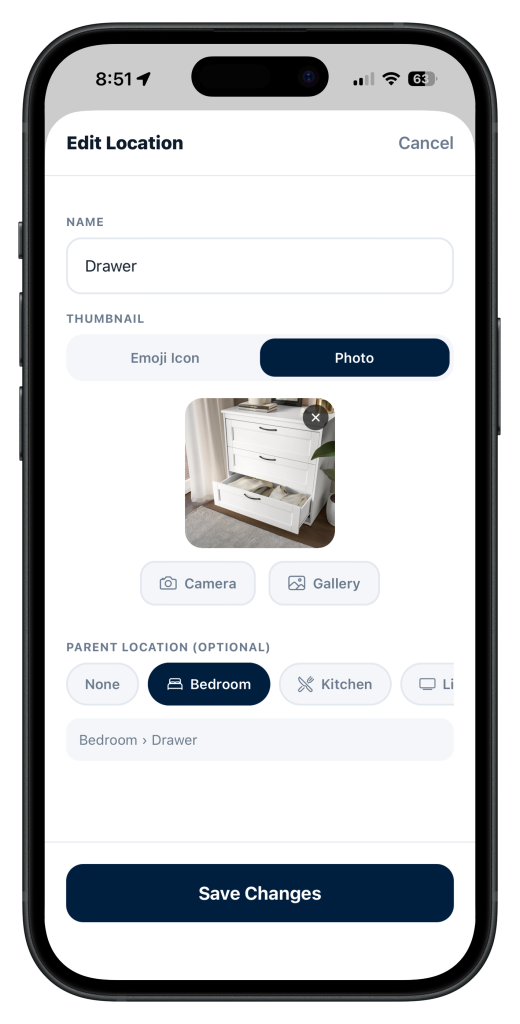
Organise by room and sub-location — Garage, Kitchen, Bedroom and more

How to Catalogue Items Quickly

The fastest method is to work room by room with your phone:

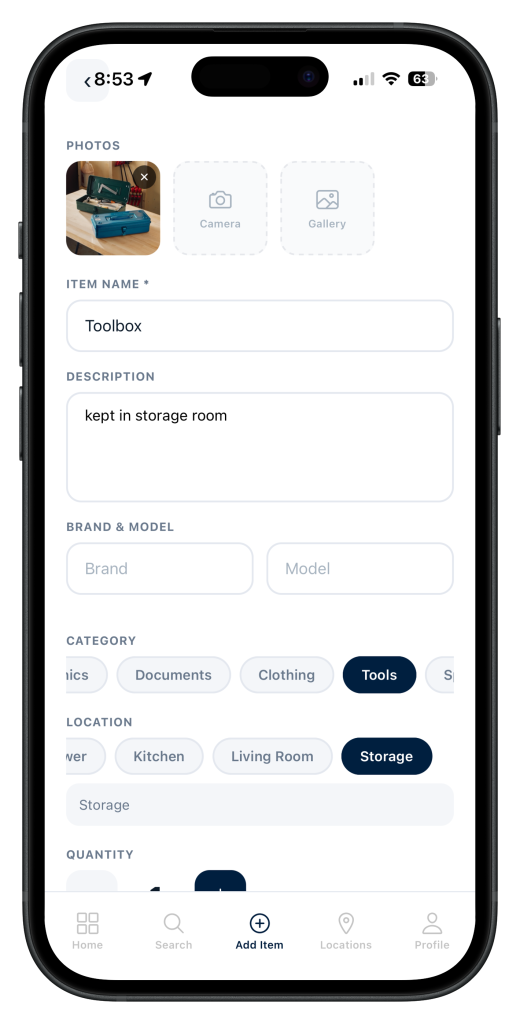
  1. Photograph the item — one photo is enough
  2. Name it clearly — “Camping Tent” not “Tent (green)”
  3. Assign a location — be specific: “Garage → Top Shelf”, not just “Garage”
  4. Add a category and any relevant tags — makes searching faster later

That’s it. Skip serial numbers, purchase dates, and valuations unless you specifically need them. The goal of a home inventory is to answer “where is the thing?” — not to replicate a receipt archive.

Finder app add item screen with photo, name, and location fields
Add an item in seconds — photo, name, location, done

The Location System That Actually Works

The most useful home inventories use a two-level location structure: room → spot. For example:

  • Kitchen → Junk Drawer
  • Bedroom → Under Bed
  • Garage → Left Wall Shelf
  • Storage Room → Box 3

This structure means when you search for “extension cord” you don’t just see “Storage Room” — you see exactly which shelf or box it’s in.

Keep It Updated Without Thinking About It

The only home inventories that stay useful are the ones built into an existing habit. Two rules:

When something comes in, log it. New purchase, hand-me-down, thing borrowed from someone — add it before you put it away.

When something moves, update it. This is the one people skip. If you move the camping tent from the garage to the attic, update the location. It takes five seconds.

That’s the whole maintenance system. If you wait to “do a big update later,” you won’t.

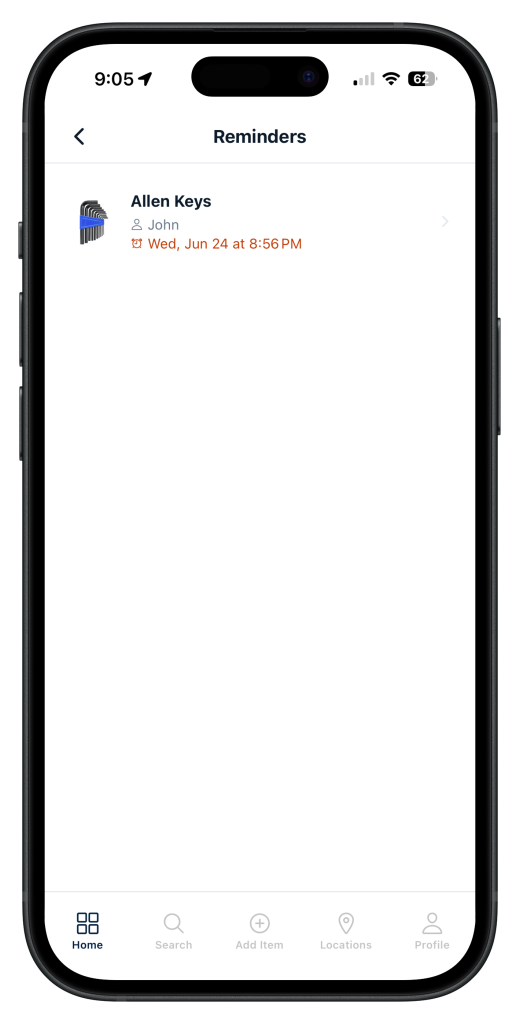
Finder app reminders screen
Set reminders so you never forget where you put seasonal items

When You Actually Need to Find Something

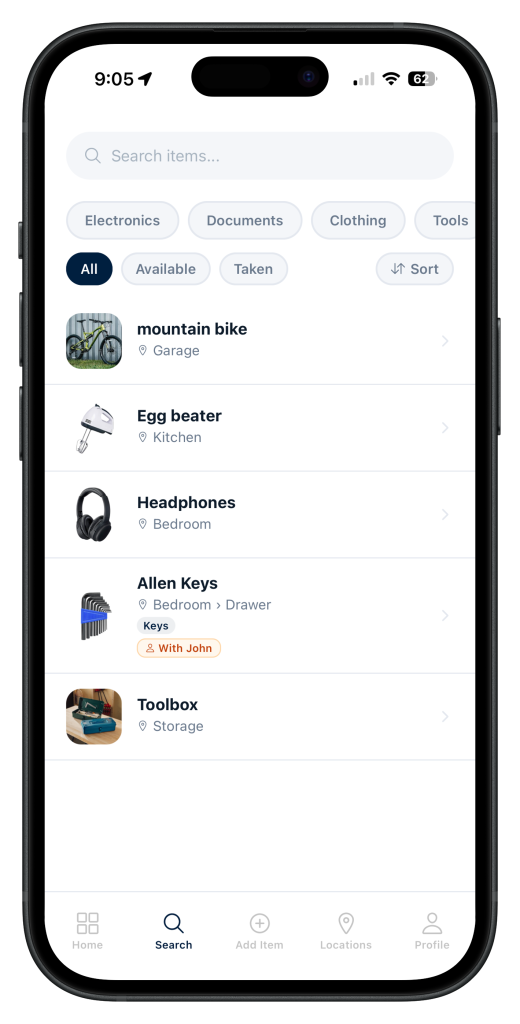
A good home inventory turns a 20-minute search into a 10-second search. You open the app, type the item name, and it tells you exactly where it is. No hunting. No asking everyone in the house.

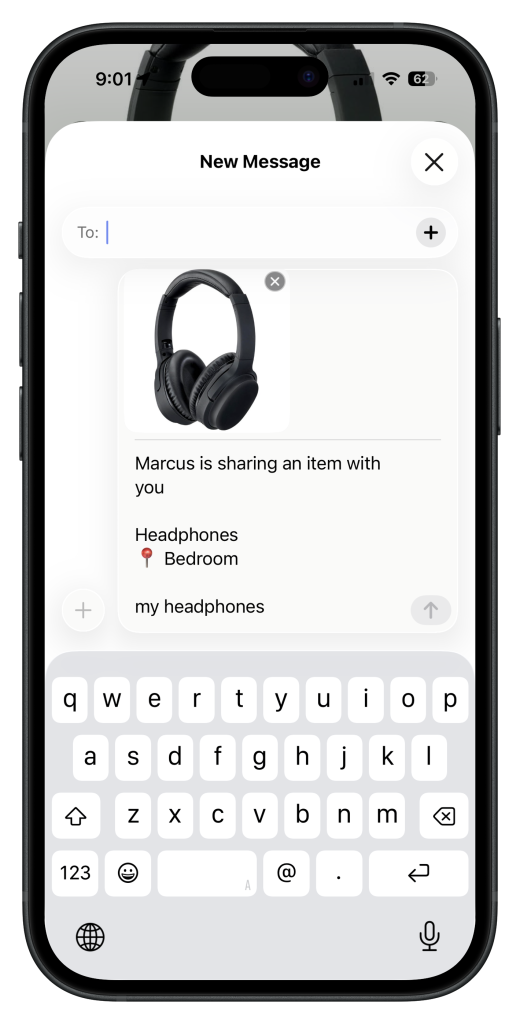
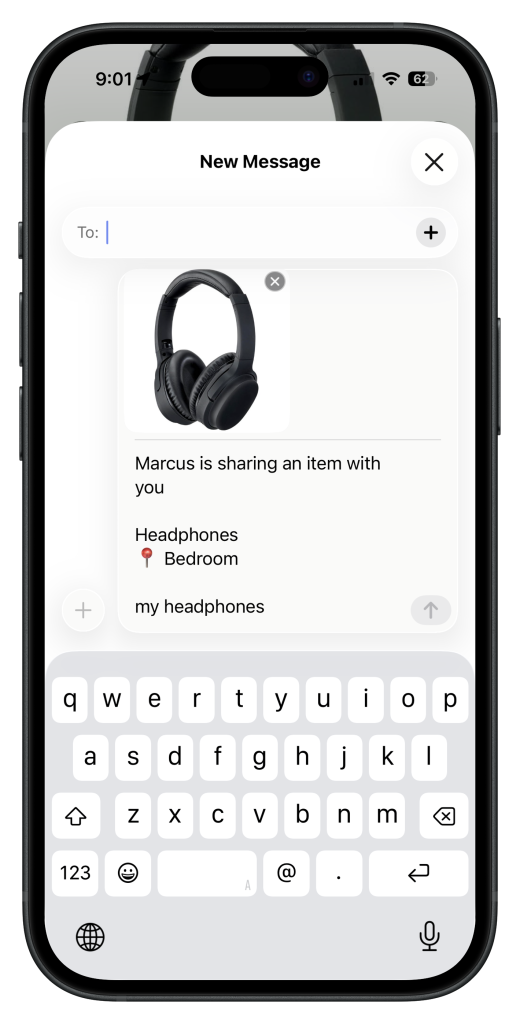
If you share a home with family or housemates, a shared inventory means anyone can find anything — even if the person who put it away isn’t home.

Finder app search screen showing instant search results
Search by name, room, or category and find anything instantly

Start small, stay specific with locations, and update as you go. A 50-item inventory you actually use is worth more than a 500-item inventory that’s six months out of date.

Finder is a free home inventory app for iPhone that lets you photograph, tag, and organise everything you own by location — and find any item instantly by name, room, or category. Download it free on the App Store.

Leave a Comment

Your email address will not be published. Required fields are marked *

Scroll to Top